AI-powered live translation
Put understanding
on the big screen.
AI translation for event screens.
Personal listening in your event’s selected languages.
Powered by OpenAI Coming soon
Explore a few possibilities.
Recorded presentation and illustrations - no live AI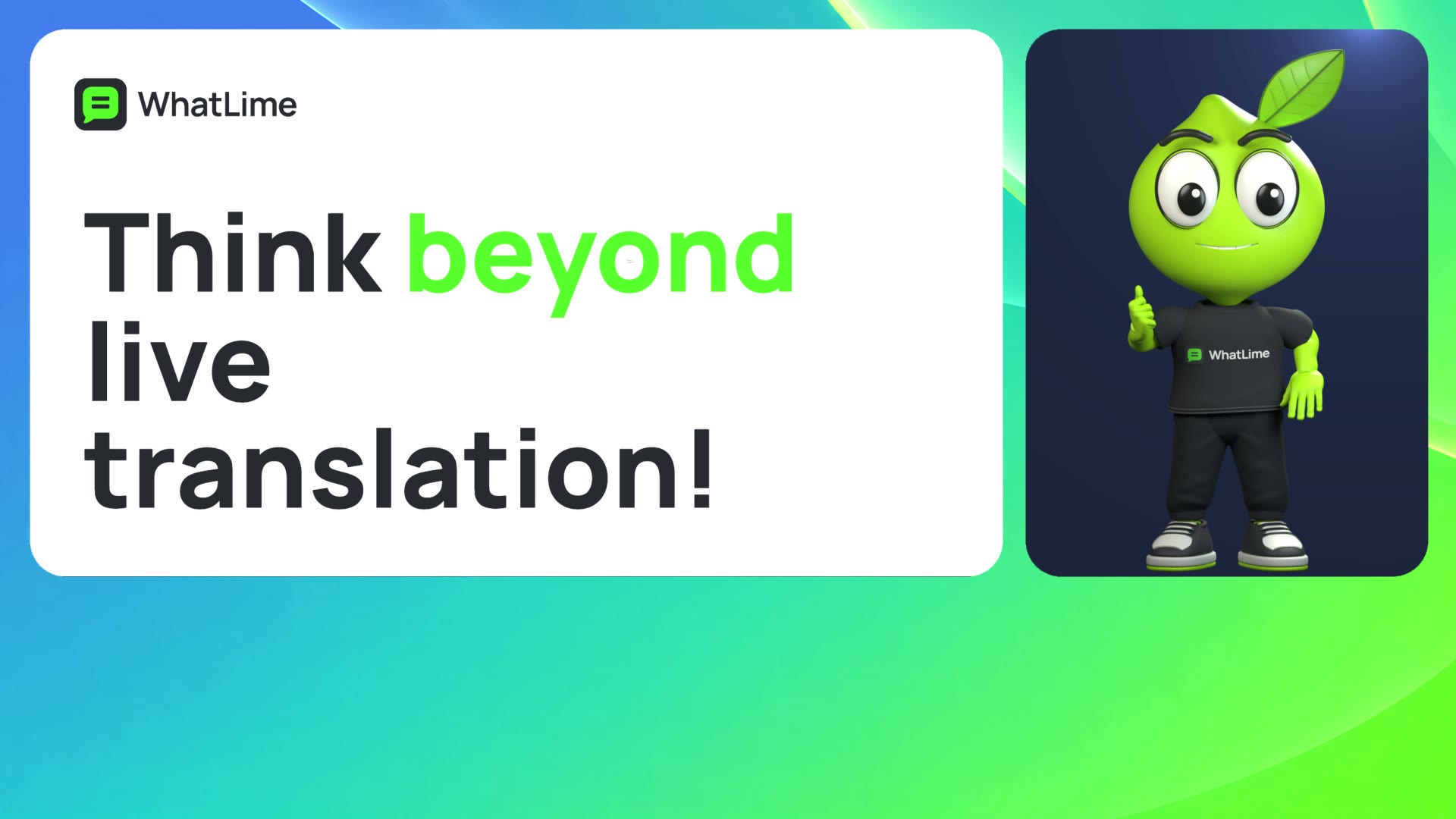
Video transcript
Think beyond live translation! WhatLime leverages AI to let you inject content like this, directly into your main screen mix.
 Ideas Forum · Example
Personal audio
Visual example · no sound
Good ideas bring people together. Share them with the whole room.

Participants choose from the languages
enabled for their event.
For the room
Preview a change.
Apply when ready.
Try a few size and placement examples.
Apply changes to this illustration when ready.
Size examples
Placement examples
Preview matches the applied example.
Bring every voice
into the room.
Bring every voice
into the room.
A small preview of the editor · scripted example
For each listener
Your event.
Their way to listen.
Offer the languages your event needs.
Participants choose from that selection.

- Selected for your event.
- The organiser selects the languages available to participants.
- A personal choice.
- Choose an available language for voice and text. The room’s screen stays unchanged.
- Read when you need it.
- Text stays available as a companion to listening.
How it works
Prepared for your event.
Choose the languages you need.
Prepare the screen before the first speaker.
Prepare the event.
Select the services and languages for your event, then connect the venue’s speech audio.
Prepare the look.
Shape the captions for the room. Preview changes before applying them to the published screen.
Share the translation.
Send captions to the room’s display. Participants use their phones for the services and languages enabled for the event.
A few useful things to know.
Does everyone follow the same language?
The room screen uses the language configured for that output. Participants choose independently from the languages and services enabled for their event.
What should I prepare at the venue?
An operator computer, a suitable speech audio feed and the room’s display setup. The operator monitors the original speech through the venue’s audio system. Internet access is needed for live AI and participant access; phones and headphones are needed for personal listening. Rehearse the complete setup before the event.
Can I use WhatLime today?
WhatLime is in development and access is currently private. These scripted examples show selected possibilities, not the complete editor or language catalogue. The presentation video includes recorded audio and Portuguese captions. The personal-listening illustration is silent. No live translation runs on this page.
WhatLime
Understanding.
Front and centre.